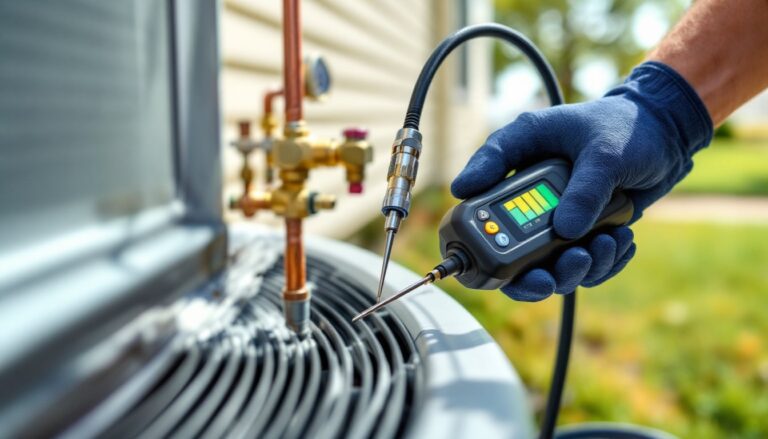

In a world where your coffee maker can chat with your thermostat, smart homes are all the rage. But let’s face it—sometimes technology feels more like a mischievous toddler than a helpful assistant. When your lights decide to dance at midnight or your smart speaker misunderstands “play some jazz” as “blast heavy metal,” it’s time to troubleshoot.
Understanding Smart Home Troubleshooting
Smart home technology enhances convenience, but it also comes with unique challenges. Identifying and resolving these issues ensures a seamless smart home experience.
Common Issues in Smart Homes
Users frequently encounter several common issues. Devices may fail to connect to Wi-Fi networks, disrupting functionality. Smart speakers occasionally mishear commands, leading to unexpected actions. Sometimes, devices like thermostats may not sync with mobile apps, causing temperature discrepancies. Intermittent connectivity can result from outdated firmware on devices. Additionally, user accounts can become desynchronized across platforms, creating accessibility problems. These issues can disrupt daily routines and lead to user frustration.
Importance of Troubleshooting
Troubleshooting plays a crucial role in maintaining smart home functionality. Efficient troubleshooting minimizes downtime, ensuring that smart devices work as intended. Regular maintenance helps prevent minor issues from escalating into significant problems. Understanding the various troubleshooting steps can lead users to identify solutions more quickly. Addressing connectivity issues early on protects data privacy and security. Ultimately, effective troubleshooting enhances the overall user experience, encouraging the continued use of smart home technology.
Tools for Smart Home Troubleshooting
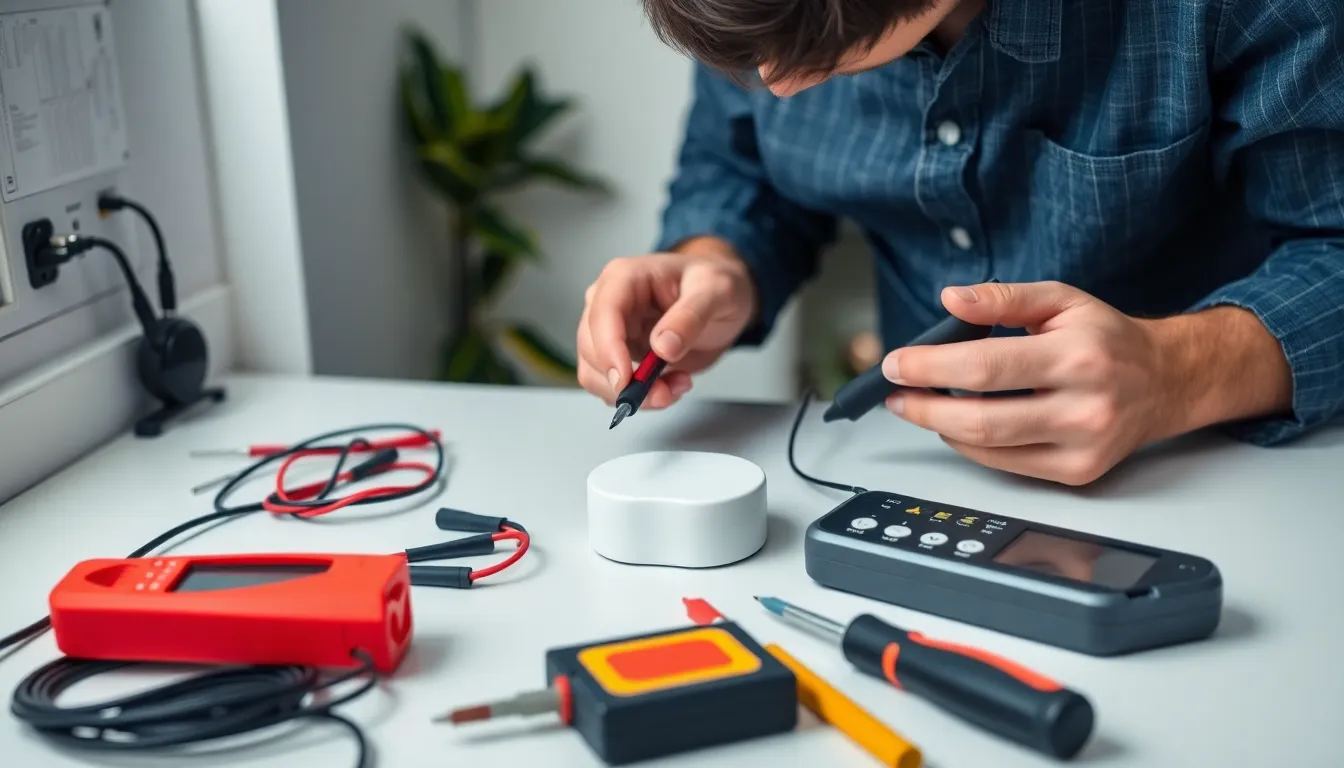
Smart home troubleshooting requires specific tools to address common issues effectively. Using the right instruments can streamline the process and improve device performance.
Essential Tools You Should Have
A multimeter helps diagnose voltage, currents, and resistance levels in smart home devices. Network cable testers ensure wired connections are functional and can identify pitfalls in setup. Wi-Fi analyzers assist in evaluating network strength and pinpointing interference sources. Backup batteries provide temporary power solutions during troubleshooting, avoiding interruptions. Lastly, a screwdriver set facilitates quick hardware adjustments, ensuring every device stays properly connected.
Apps and Resources for Effective Troubleshooting
Device manufacturer apps prove invaluable for troubleshooting. These applications often contain useful guides and troubleshooting tips specific to each device. Wi-Fi management apps aid in optimizing network performance and can highlight connectivity issues. Forums and online communities connect users facing similar challenges, offering quick solutions and shared insights. YouTube tutorials present visual aids for common troubleshooting steps, enhancing understanding and efficiency.
Step-by-Step Troubleshooting Guide
Smart home troubleshooting often starts with identifying specific device issues. Users frequently observe problems like unresponsive smart speakers or lights that don’t operate as intended. He or she should gather information by noting error messages or unusual behavior. Understanding how and when a problem occurs helps in diagnosing efficiently. Analyzing patterns also reveals if multiple devices exhibit similar issues, which may indicate a larger underlying problem.
Resolving network connectivity issues is vital for a smooth smart home experience. A strong Wi-Fi connection supports most smart devices. Verifying Wi-Fi strength through apps can help identify weak spots. Resetting the router often resolves intermittent connectivity problems. It’s essential to ensure that devices are within the router’s range. Checking device firmware is another step that can improve performance. If issues persist, factory resetting devices could restore normal functioning.
Advanced Troubleshooting Techniques
Troubleshooting smart home devices requires a systematic approach and knowledge of specific techniques. Advanced users often employ strategies like resetting devices and keeping software updated to resolve issues.
Resetting and Reconfiguring Devices
Resetting devices often solves many common problems. Users can restore smart speakers, thermostats, or lights by holding down buttons according to the manufacturer’s instructions. Some devices require a factory reset, which typically clears all settings and allows for fresh configurations. Reconfiguring devices directly after resetting ensures optimal performance. Users should consult manufacturer apps or manuals for detailed setup processes. Connecting devices to the primary Wi-Fi network again is crucial during this step.
Firmware and Software Updates
Regularly applying firmware and software updates enhances device functionality. Each update often includes patches for bugs and improvements in performance. Users must check for updates within device apps or online. Ignoring this step might lead to prolonged issues or vulnerabilities. Some devices can automatically update, while others may need manual intervention. Keeping a consistent update schedule helps ensure devices run smoothly and efficiently. Overall, staying ahead with updates reduces future troubleshooting efforts and enhances the smart home experience.
Conclusion
Navigating the world of smart home technology can be challenging but effective troubleshooting makes a significant difference. By utilizing the right tools and techniques users can quickly address common issues that arise. Staying proactive with device updates and maintaining a strong Wi-Fi connection ensures a smoother experience.
With the right approach users can turn their smart homes into efficient and reliable environments. Embracing these troubleshooting strategies not only enhances daily routines but also fosters a deeper connection with technology. As smart home devices continue to evolve staying informed and prepared will empower users to tackle any hiccup that comes their way.